The best MCP servers for ChatGPT video editing in 2026 are the ones ChatGPT can actually reach and that do real editing work once it does: Invideo Editor for editing a live timeline, Eddie AI for rough cuts, Shotstack for rendering from data, and OpusClip, Reap, fal.ai and Wireflow for clipping, repurposing and generation. ChatGPT only connects to remote servers, so this list leaves out local tools. It ranks seven by how easily they connect, how much real editing they let ChatGPT do, and how much control you keep afterward.
Quick Summary
- Invideo Editor – Add it to ChatGPT in one click and edit a real timeline you watch live (Best Overall)
- Eddie AI – Rough cuts from interviews and podcasts, with multicam sync (Best for Rough Cuts)
- Shotstack – Cloud video API with an inline editor canvas in chat (Best for Data-Driven Video)
- OpusClip – Clipping, clip edits and scheduling with no API keys (Best for Clipping and Publishing)
- Reap – Clips, captions and dubbing from a prompt (Best for Repurposing and Dubbing)
- fal.ai – Search, price and run 1,000+ generative models (Best for Generating Footage)
- Wireflow – Build and run multi-model workflows from chat (Best for Multi-Model Pipelines)
How ChatGPT Connects to a Video MCP Server
ChatGPT has two ways to connect to MCP servers. The first is the apps directory, where a published app installs in one click. The second is developer mode, where you turn it on under Settings, Apps, Advanced settings, then create a custom connector and paste a server URL. Servers that use OAuth send you to a sign-in page when you connect, and you then switch the connector on from the tools menu in each new chat.
Two limits matter for video. ChatGPT needs a remote HTTPS URL, so a local server on your own machine can’t be reached directly. And plan rules for custom servers are unsettled: recent guides report that OpenAI’s developer guide lists Plus, Pro, Business, Enterprise and Edu, while its Help Center limits full MCP with write actions to Business, Enterprise and Edu. Editing needs write actions, so check your plan first. OpenAI also warns that custom connectors aren’t verified by OpenAI, so connect only servers you trust.
1. Invideo Editor (Best Overall)
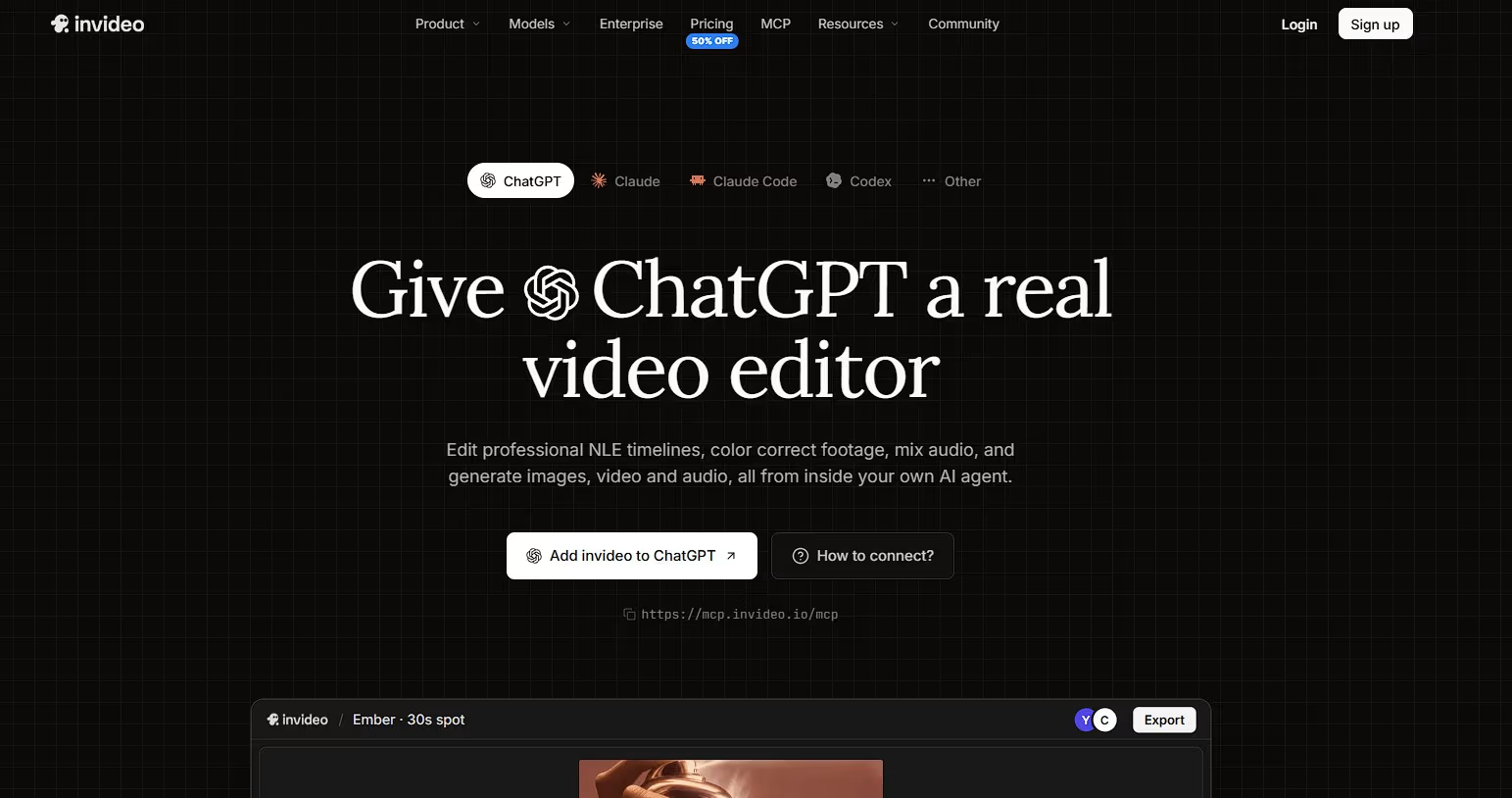
Invideo Editor can be added to ChatGPT in one click from the apps directory, so you can edit video with ChatGPT without developer mode or an API key. You sign in with your invideo account, and ChatGPT can then open an editor, import media and make changes to the timeline.
You watch each change appear in your browser as ChatGPT makes it, and you can step in and edit by hand at any time. The same project exports as a finished video or as a project for Premiere Pro, Final Cut Pro or DaVinci Resolve.
ChatGPT setup: Use “Add invideo to ChatGPT” on the Remote Agents page, which opens the invideo listing in the apps directory, then sign in with your invideo account.
Pricing: An invideo account is required. The manual timeline is free to use, and invideo says exports from the free plan carry its watermark, which paid plans remove. Paid plans for agent work start at $20/month in the US, UK and Japan, and pricing varies by region.
2. Eddie AI (Best for Rough Cuts)
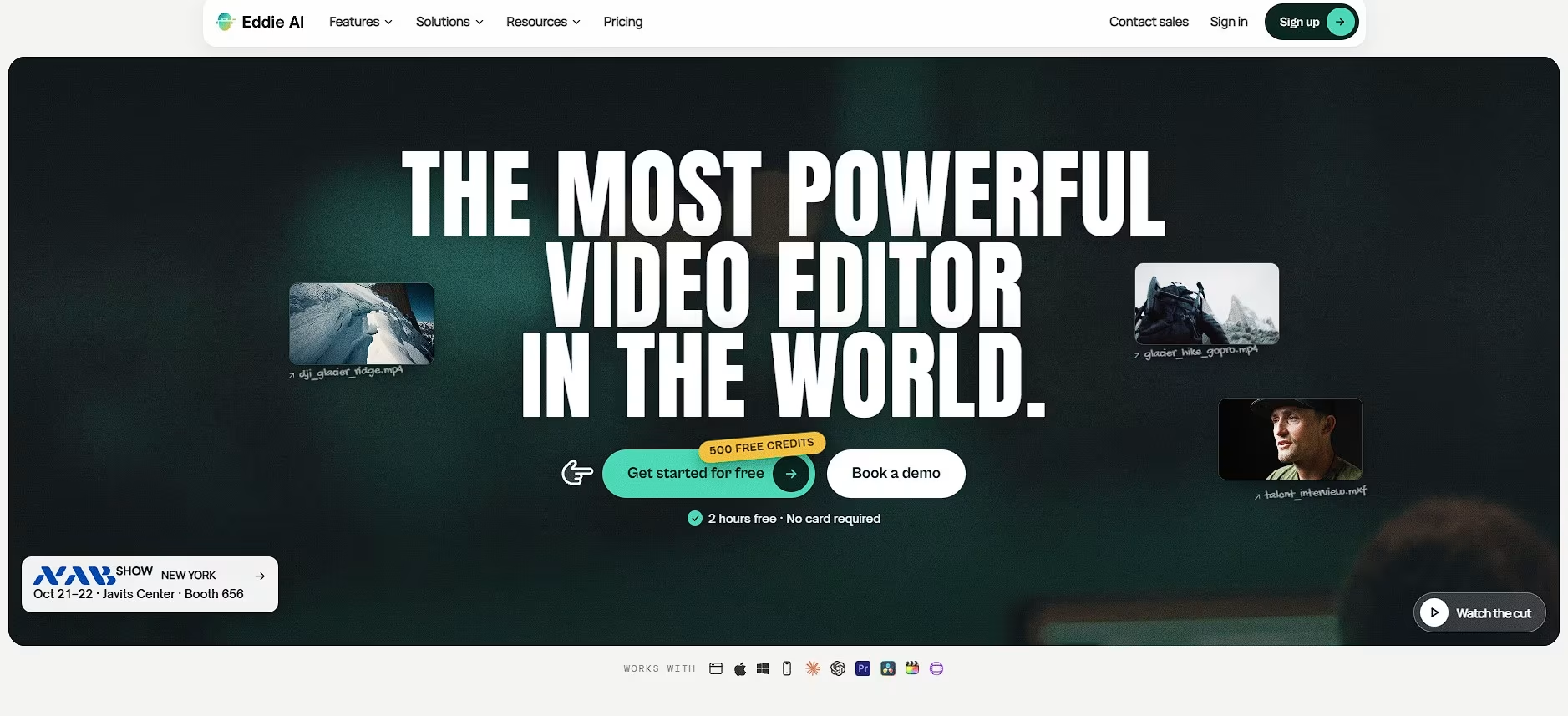
Eddie AI says its whole toolset is available to ChatGPT through an MCP server, so you can ask for a rough cut in chat instead of working in the app. Eddie logs raw interview footage, builds a rough cut from the story you describe, and syncs up to six cameras for podcasts and panels.
It exports to Premiere Pro, DaVinci Resolve, Final Cut Pro and Avid for the finishing pass. Eddie began as a desktop app for Mac and Windows and now also has an iPhone app.
ChatGPT setup: Connect through Eddie’s MCP server and follow the steps on its site.
Pricing: Pay as you go. Every new account starts with 1,000 free credits, and packs run from $10 for 1,000 credits to $350 for 50,000, with no subscription. Importing costs about 500 credits per hour of footage.
3. Shotstack (Best for Data-Driven Video)
Shotstack is a cloud video API with an MCP server that ChatGPT can use to compose and render videos from plain language. Videos are defined as a timeline of tracks, clips and assets, and in chat apps like ChatGPT the server shows its Studio canvas inline, so you can see the edit without leaving the conversation.
Shotstack says developer mode on ChatGPT requires a Business, Enterprise or Edu plan, and the server is still in beta. It suits video built from data, such as a personalized clip per customer, more than hands-on editing.
ChatGPT setup: Settings, Connectors, Advanced, enable developer mode, Create, then enter https://mcp.shotstack.io/ and complete OAuth.
Pricing: Billed per rendered minute: pay-as-you-go from about $0.30 per minute, with subscription plans from around $39 a month.
4. OpusClip (Best for Clipping and Publishing)
OpusClip’s hosted MCP server lets ChatGPT cut long recordings into captioned, reframed clips, edit a clip’s timeline and schedule posts, with tools for clip, caption, reframe, edit, repurpose and schedule_post. It uses OAuth with no API keys.
Its edit tool can cut and keep sections, delete a phrase, dub a clip into another language, fix captions and add a title card. OpusClip’s release notes also mention in-chat clip previews and edit receipts on clients that support MCP Apps.
ChatGPT setup: Add https://mcp.opus.pro/mcp as a custom connector in developer mode and sign in with your OpusClip account.
Pricing: Free trial, then a Pro plan with metered per-render-minute pricing and no per-seat fees, according to OpusClip’s MCP page.
5. Reap (Best for Repurposing and Dubbing)
Reap’s hosted MCP server turns a YouTube link or long recording into clips with animated captions in 100+ languages and AI dubbing in 80+ languages, and it can reframe and schedule them. Reap says ChatGPT, or any assistant with MCP connector support, can use its endpoint at mcp.reap.video/mcp.
You describe the result and check back for it, so it fits repurposing better than hands-on editing. Reap’s API docs say the MCP server needs a paid plan with API access.
ChatGPT setup: Add https://mcp.reap.video/mcp as a custom connector in developer mode and sign in to Reap.
Pricing: Paid plans start at $9.99/month billed yearly ($16.99 month to month) and include MCP access. The free plan includes 1 hour of processing.
6. fal.ai (Best for Generating Footage)
fal.ai’s MCP server lets ChatGPT search 1,000+ generative models, check a model’s price, run it and fetch the result across image, video, audio and 3D. Its 11 tools include search_models, get_pricing, run_model and submit_job, so ChatGPT can look up a cost before it spends.
It generates but does not edit, so there is no timeline and the sequencing is up to you. Connecting uses OAuth through your browser with no API key, and fal lists ChatGPT among the clients it works with.
ChatGPT setup: Add https://mcp.fal.ai/mcp-relay as a custom connector in developer mode and sign in through your browser.
Pricing: The MCP server is free. You pay for the model runs you trigger, at the same pricing as direct API calls.
7. Wireflow (Best for Multi-Model Pipelines)
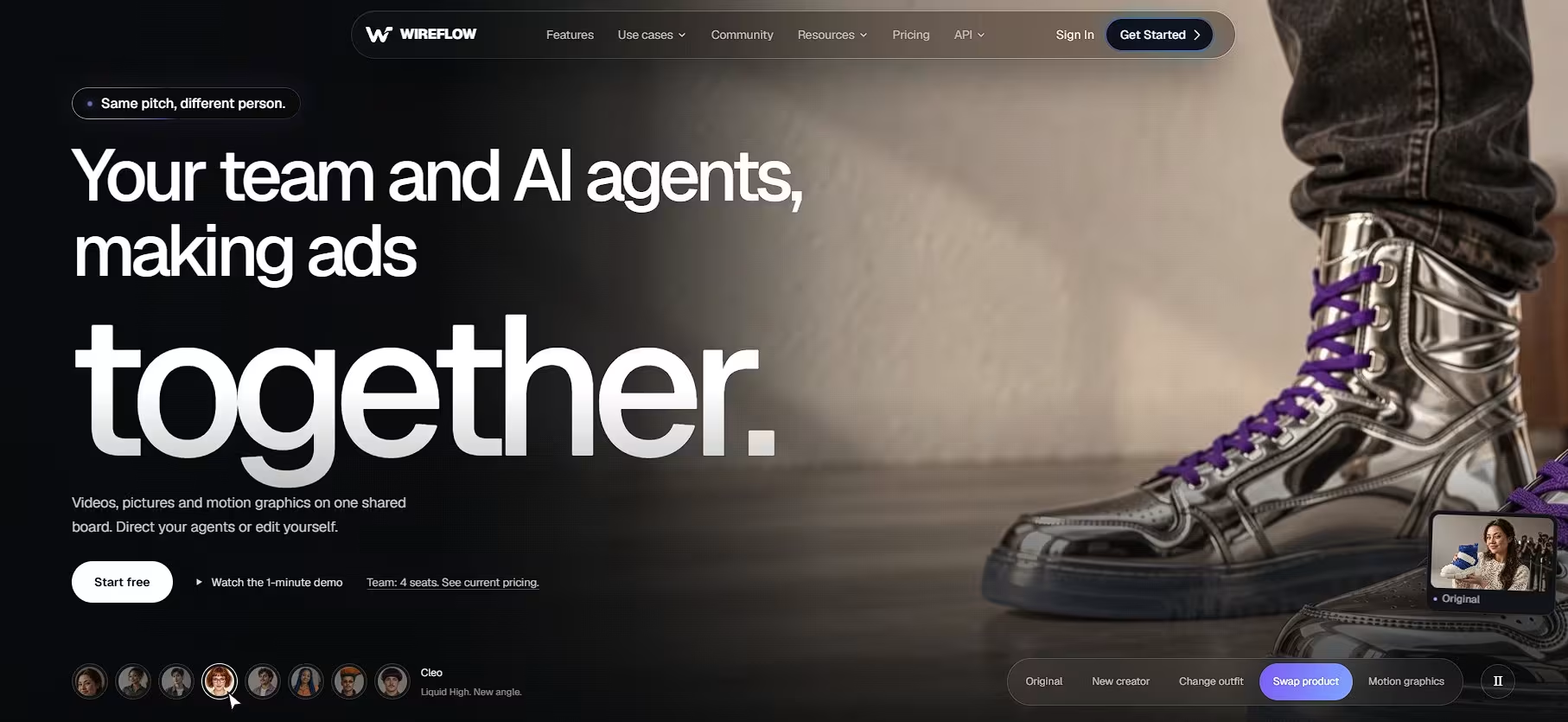
Wireflow is a workflow canvas where ChatGPT can build, inspect and run workflows that chain image, video and audio models, with 100+ models available. Once connected, ChatGPT works with your workflows the way it reads a file or searches the web.
Connecting uses OAuth with no keys to paste, and Wireflow lists ChatGPT among its setup guides. By its own description it is a workflow platform first, so a quick trim on a local file is better served by a local FFmpeg server, which ChatGPT can’t reach on its own.
ChatGPT setup: Follow the ChatGPT steps on Wireflow’s MCP page, then sign in.
Pricing: Usage-based, so you pay for model runs rather than a seat license, according to Wireflow.
Comparison Table
| Tool | How it connects to ChatGPT | Best for | Pricing |
|---|---|---|---|
| Invideo Editor | One click from the apps directory | Editing a live timeline you watch | Manual timeline free; plans from $20/mo (US, UK, Japan) |
| Eddie AI | MCP server, set up from Eddie’s site | Rough cuts from interviews and podcasts | Pay as you go; 1,000 free credits |
| Shotstack | Custom connector (developer mode), OAuth | Template and data-driven video | About $0.30/min pay-as-you-go; plans from about $39/mo |
| OpusClip | Custom connector, OAuth, no API keys | Clipping and publishing | Free trial; metered Pro plan |
| Reap | Custom connector, hosted endpoint | Repurposing and dubbing | From $9.99/mo (billed yearly) |
| fal.ai | Custom connector, OAuth, no API key | Generating footage | Free server; pay per run |
| Wireflow | Custom connector, OAuth | Multi-model pipelines | Usage-based |
How to Choose
Start with how much setup you want. Invideo Editor is listed in ChatGPT’s apps directory, so it avoids developer mode and its plan questions. If you want to watch the edit and step in, it’s also the closest fit. For rough cuts from interviews, pick Eddie AI. For long recordings turned into clips and dubs, pick OpusClip or Reap. For video built from data, pick Shotstack, and for generation and pipelines, fal.ai and Wireflow.
Then check your ChatGPT plan before you commit to a server that needs developer mode, since editing needs write access. If you work with local files or a tool that only runs on your own machine, ChatGPT can’t reach it directly, and Codex or Claude Code are better fits.
Conclusion
ChatGPT can handle video editing now, but only through servers it can reach and plans that allow it. Invideo Editor earns the top spot because it installs from the apps directory in one click and lets ChatGPT work on a timeline you can watch and change. Eddie AI, Shotstack, OpusClip, Reap, fal.ai and Wireflow cover rough cuts, rendering, repurposing and generation. Pick the one that matches the job, and check your plan before you start.
Frequently Asked Questions
Can ChatGPT edit video?
Yes, once a video MCP server is connected. ChatGPT sends the editing instructions, and the server applies them, either on a live timeline, as invideo does, or by rendering a result, as Shotstack does.
Do I need a paid ChatGPT plan?
Apps in the directory install without developer mode. For custom servers through developer mode, you need a paid plan, and sources disagree on which ones. Shotstack’s docs say Business, Enterprise or Edu, so check OpenAI’s current help page for your plan.
What’s the difference between the apps directory and developer mode?
The directory installs a published app in one click. Developer mode lets you paste any remote server URL, which works for servers that aren’t listed, but it’s a beta feature with plan limits.
Can ChatGPT use a local MCP server?
Not directly. ChatGPT needs a remote HTTPS URL, so a server running on your own machine, such as a local FFmpeg tool, isn’t reachable. OpenAI offers a separate tunnel for that case, and Codex or Claude Code connect to local servers more easily.
Do these servers need an API key?
Invideo Editor, OpusClip, fal.ai and Wireflow sign you in through your account or browser without one. Shotstack uses OAuth for its hosted server, and Reap’s pages describe both an API key and an OAuth sign-in, so follow its setup page.
Can I watch ChatGPT edit in real time?
With invideo, yes: ChatGPT opens a project and you see each edit appear in your browser. Shotstack shows an inline canvas in chat, and most of the others return files or clips to review.
Is it safe to connect these to ChatGPT?
Treat them like any tool that can act for you. OpenAI notes that custom connectors aren’t verified by it, and ChatGPT asks you to confirm actions, so check what a server can publish or spend before you approve it.