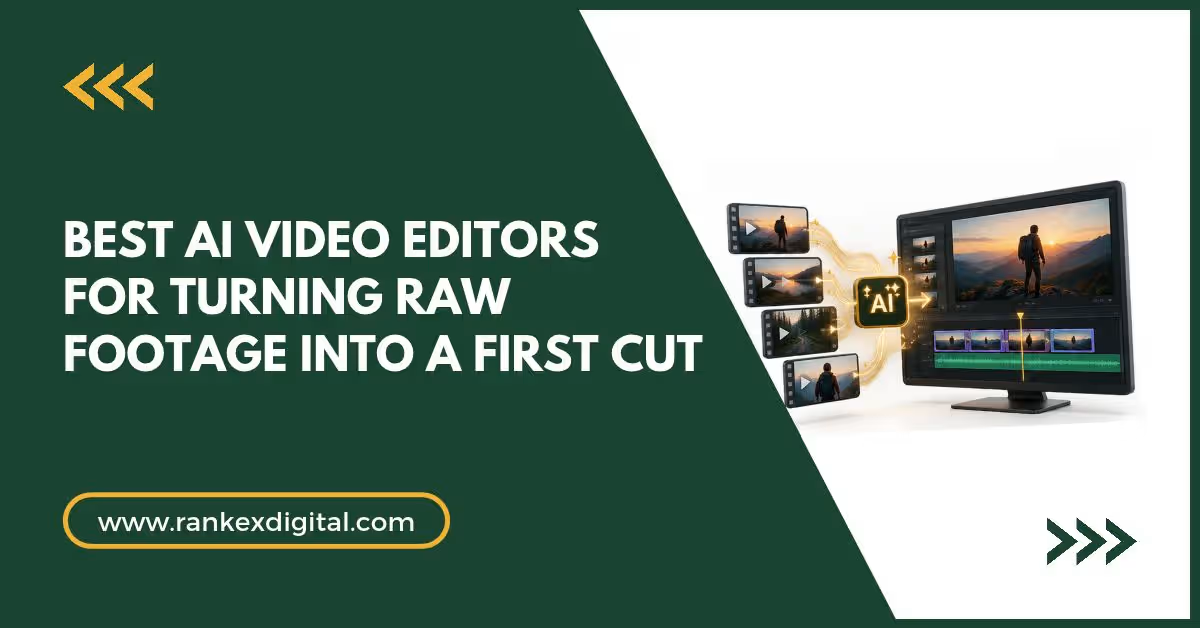
A first cut is the rough draft of a video: the right clips in the right order, with the mistakes taken out. Building one by hand means watching hours of footage, and it’s the part of editing most people dread. The tools below do that first pass for you. This guide ranks seven of them by how much of the work they take on, what they need from you (a prompt, a script or a transcript), and where the result lands afterwards. We checked features and prices in October 2026 against company pages and recent coverage, and they change often.
At a Glance
| Tool | How it builds the first cut | Free option | Starts at |
|---|---|---|---|
| Invideo Editor | Watches your footage, picks the best takes, drafts on a timeline | Manual timeline free (free exports are watermarked) | $20/mo for agent plans (US, UK, Japan) |
| Eddie AI | Rough cuts from interviews, with multicam sync | 1,000 free credits | $10 credit packs, no subscription |
| Selects | From a chat prompt or a pasted link, with multicam | Free plan | $20/mo ($16 billed yearly) |
| Gling | Removes silences, filler words and bad takes | Free plan (1 hour a month) | About $10/mo billed annually |
| DaVinci Resolve | Builds a timeline from your script, switches angles by speaker | Free version | Studio $295 one-time |
| Descript | Cuts the video as you edit the transcript | Free plan | $16/mo billed annually |
| Adobe Firefly Quick Cut | Builds a first edit from a text description | Depends on Firefly plan | Firefly plans (credit-based) |
How to Choose a First-Cut Tool
Start with what you already have. If you have a script, Resolve and Quick Cut can build from it. If you have interviews or podcasts, Eddie AI, Selects and Resolve are built around them. If you have long talking-head recordings, Gling and Descript work from the transcript. If you have a mix of footage and no script, Invideo Editor and Selects look at the footage itself. Whatever you choose, treat the result as a draft, not a finished edit.
1. Invideo Editor (Best Overall)
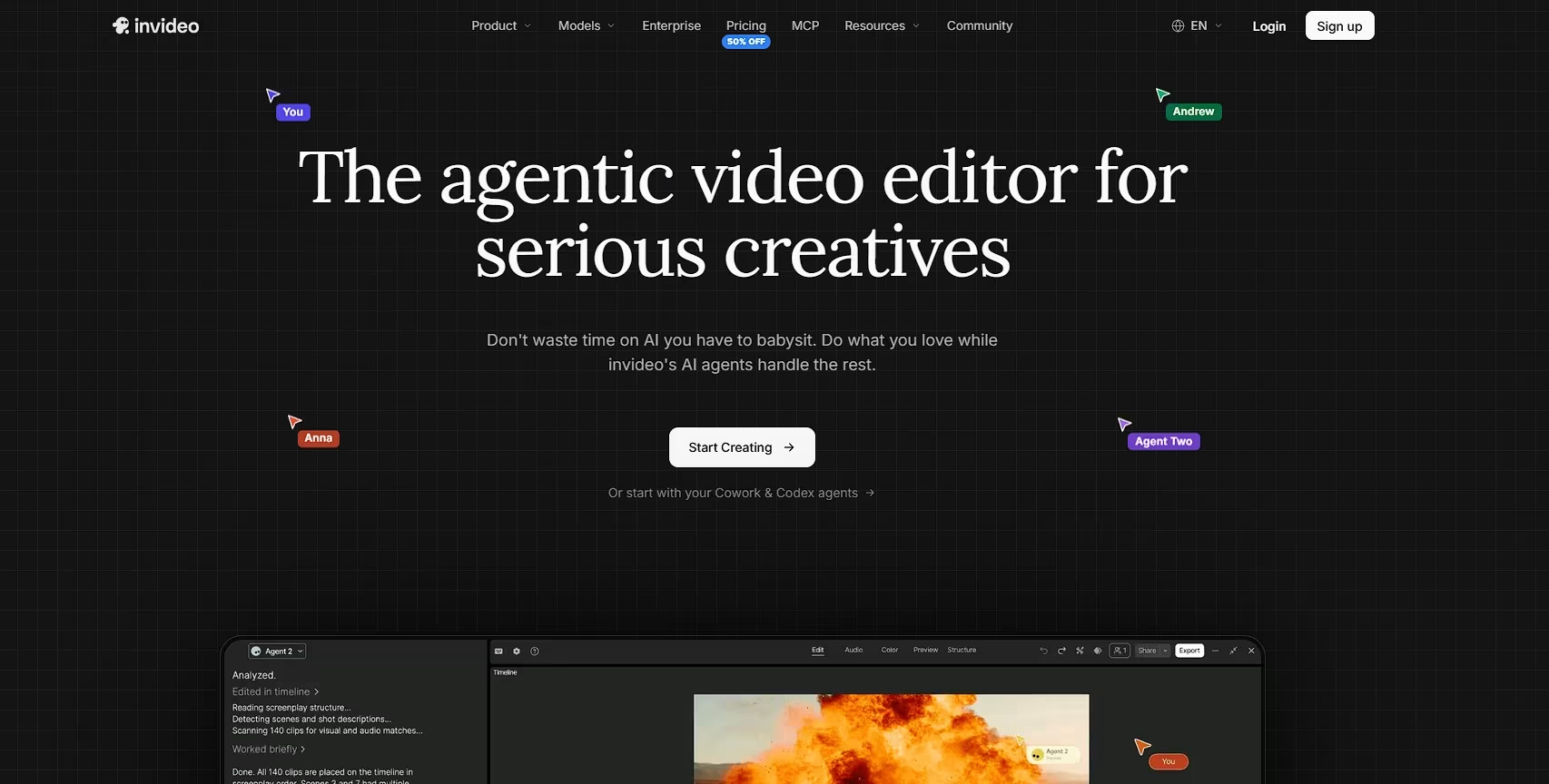
Invideo Editor is a browser-based video editor with AI agents that do the first pass of editing for you. They go through all your footage, pick the best version of each line, cut out mistakes, silences and filler words, and put together a first draft.
If you shot with several cameras, they can sync the angles and switch between speakers too. The draft opens on a regular timeline, so you can fix any cut by hand, and because it all runs in your browser, you can pick the project back up on another device.
Pricing: The manual timeline is free to use, and invideo says exports from the free plan carry its watermark, which paid plans remove. Paid plans for agent work start at $20/month in the US, UK and Japan, agents use credits, and pricing varies by region.
2. Eddie AI (Best for Interviews and Podcasts)
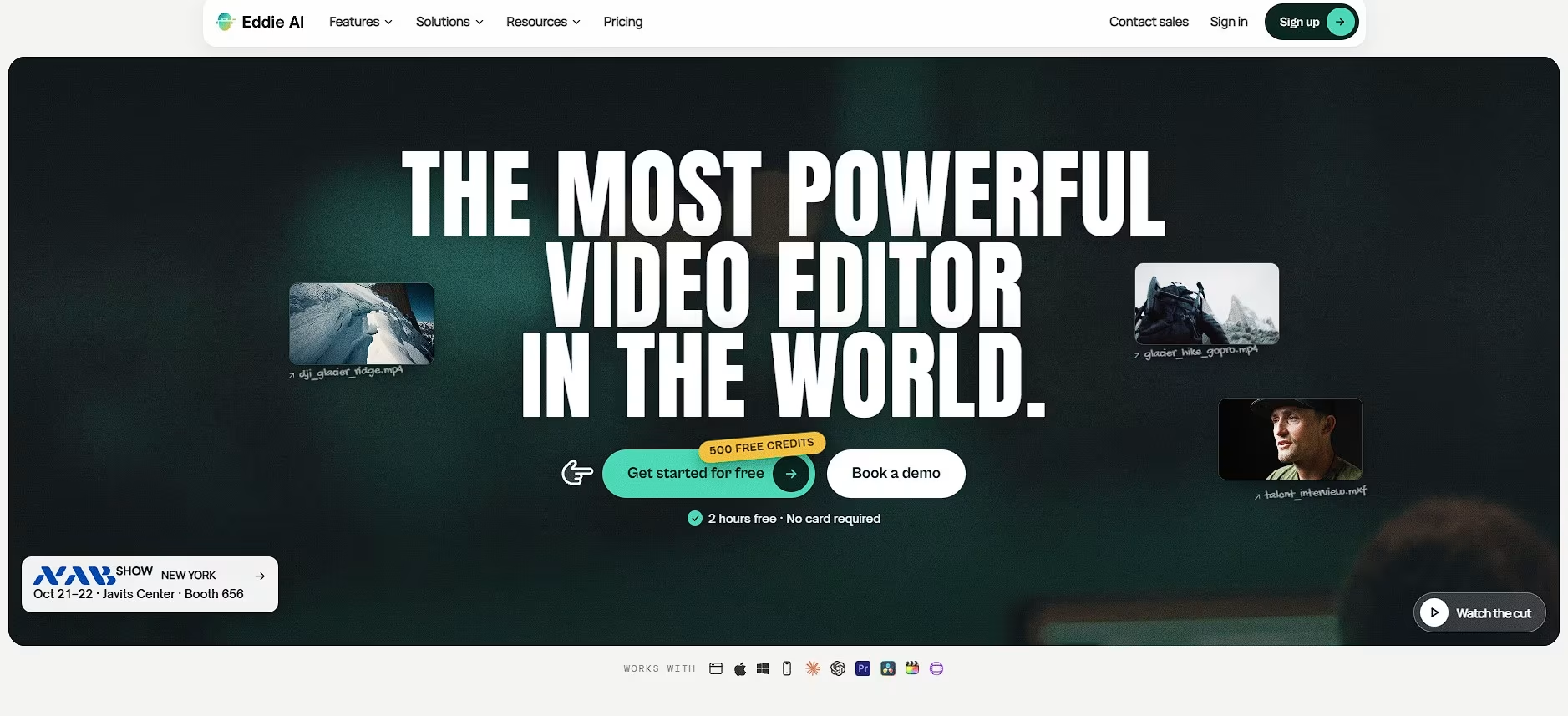
Eddie AI is built for the part of editing nobody enjoys: sorting hours of raw footage. You describe the story you want in plain language, and it logs your interviews and returns a rough cut with the best answers selected and B-roll placed. It also syncs up to six cameras and cuts between speakers for podcasts and panels.
Eddie is a desktop app for Mac and Windows with an iPhone app, and it exports to Premiere Pro, DaVinci Resolve, Final Cut Pro and Avid. It also connects to Claude and ChatGPT through an MCP server.
Pricing: Pay as you go. Every new account starts with 1,000 free credits, and credit packs run from $10 for 1,000 credits to $350 for 50,000, with no subscription. Importing costs about 500 credits per hour of footage.
3. Selects (Best for Chat-to-Edit)
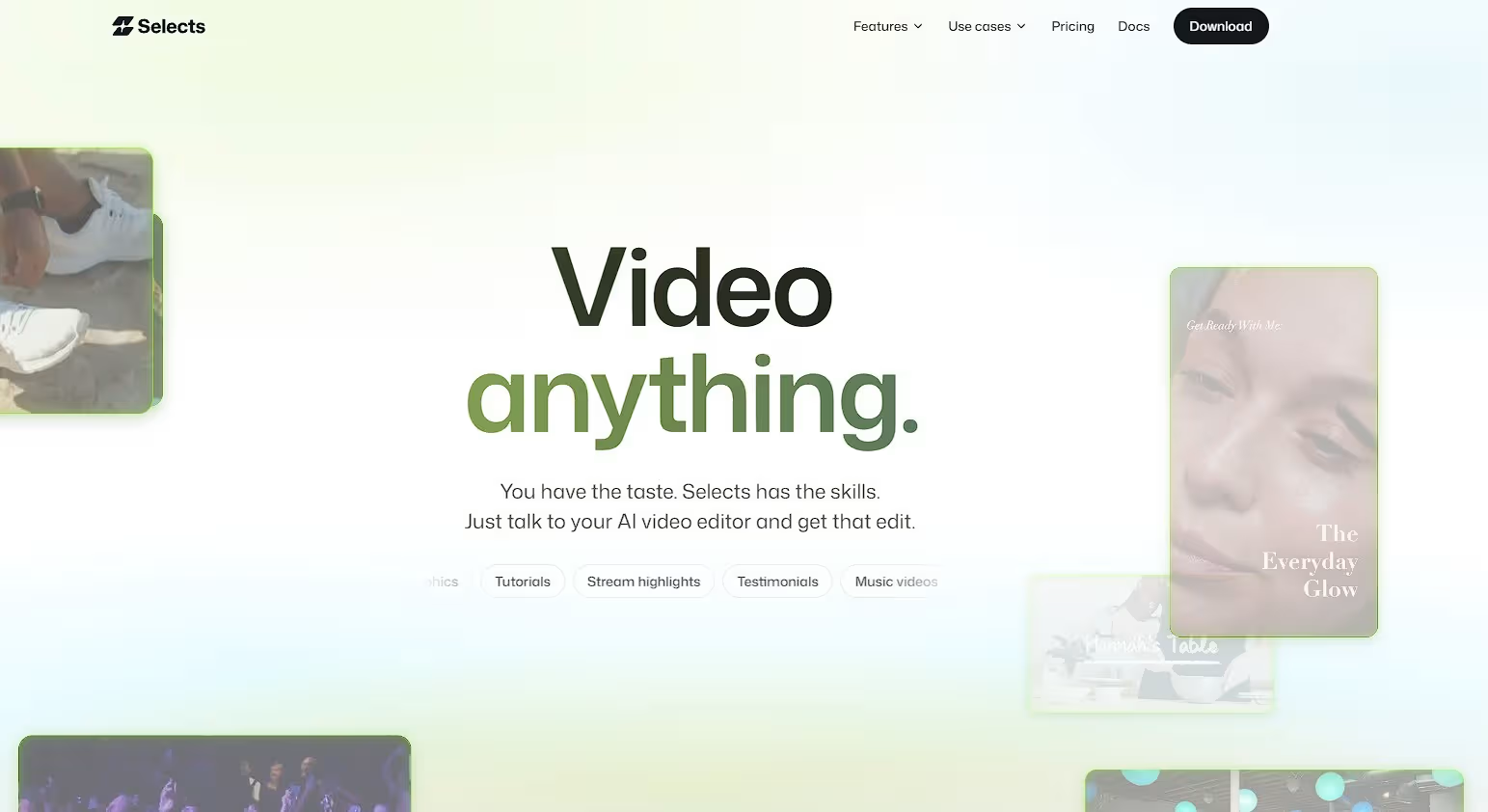
Selects works like talking to an assistant editor. Tell it the video you want, or paste a link to one you like, and it builds a cut from your footage using the shots, faces and best takes it finds, not just the transcript. It also syncs multicam footage and switches between angles on its own.
Results open on a real timeline, and projects hand off to Premiere Pro, Final Cut Pro, DaVinci Resolve or Avid. It runs as a desktop app and connects to Claude Code, Claude Desktop, Codex in ChatGPT and OpenClaw over MCP.
Pricing: The Free plan is a full video editor. Starter is $20/month ($16/month billed yearly) and adds footage analysis and AI generation credits; Pro is $100/month ($80/month billed yearly).
4. Gling (Best for Talking-Head YouTube Videos)
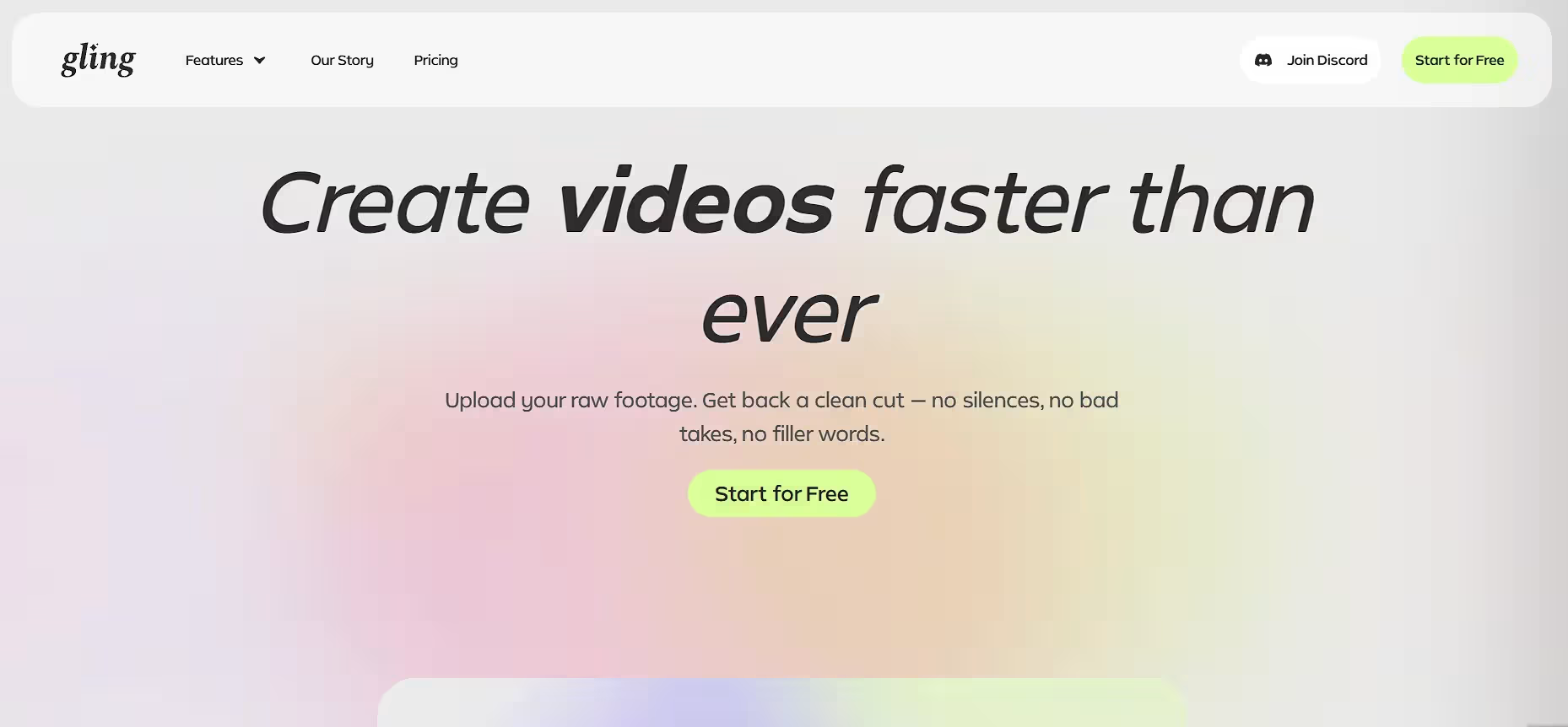
Gling does one job: the first cut of long talking-head recordings. It transcribes your footage, then removes silences, filler words like “um” and “uh”, and bad takes, so you don’t have to scrub through it yourself. You can also delete a sentence by striking it out of the transcript.
Paid plans export a project to Premiere Pro, Final Cut Pro or DaVinci Resolve for the finishing pass. It’s a desktop editor built around single-speaker recordings, with no color grading or advanced sound tools of its own.
Pricing: The free plan includes 1 hour of AI-edited media a month with watermarked exports. Plus is about $10/month billed annually (about $20 month to month) for 10 hours; Pro covers 30 hours, and Elite is $100/month for 100 hours.
5. DaVinci Resolve (Best Pro Editor With AI Assembly)
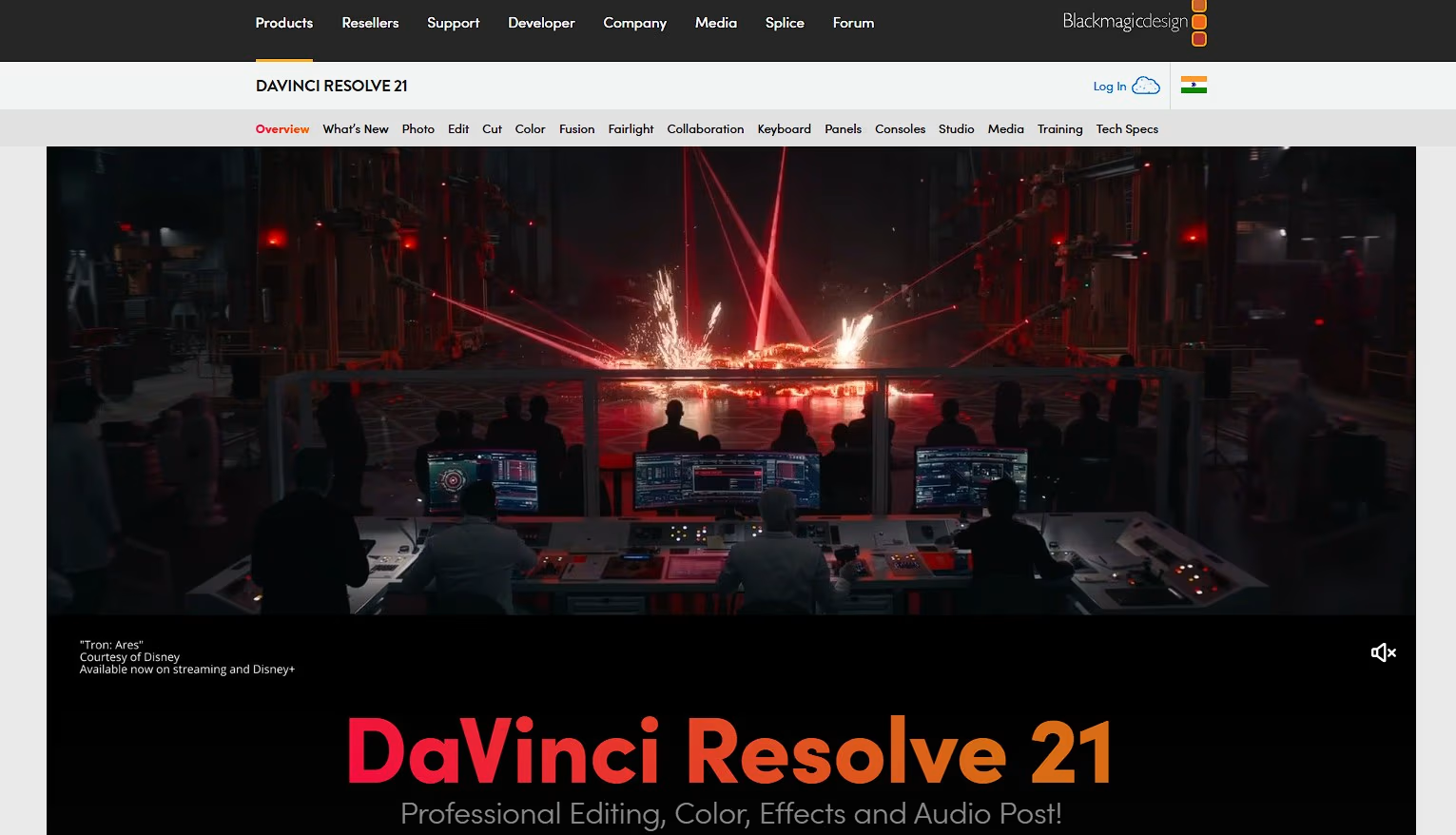
DaVinci Resolve is a full professional editor with AI tools aimed at the first pass. IntelliScript matches your recorded dialogue to a script and builds a timeline of the best takes, with alternates placed on extra tracks for review. Multicam SmartSwitch cuts between angles based on who is speaking, and IntelliCut removes silences.
These tools arrived with Resolve 20 and carry into Resolve 21, now at version 21.1. Sources disagree on which of them need Studio, so check Blackmagic’s feature comparison before you buy.
Pricing: There is a free version. Studio is a $295 one-time license, with free updates for existing Studio owners.
6. Descript (Best for Editing by Transcript)
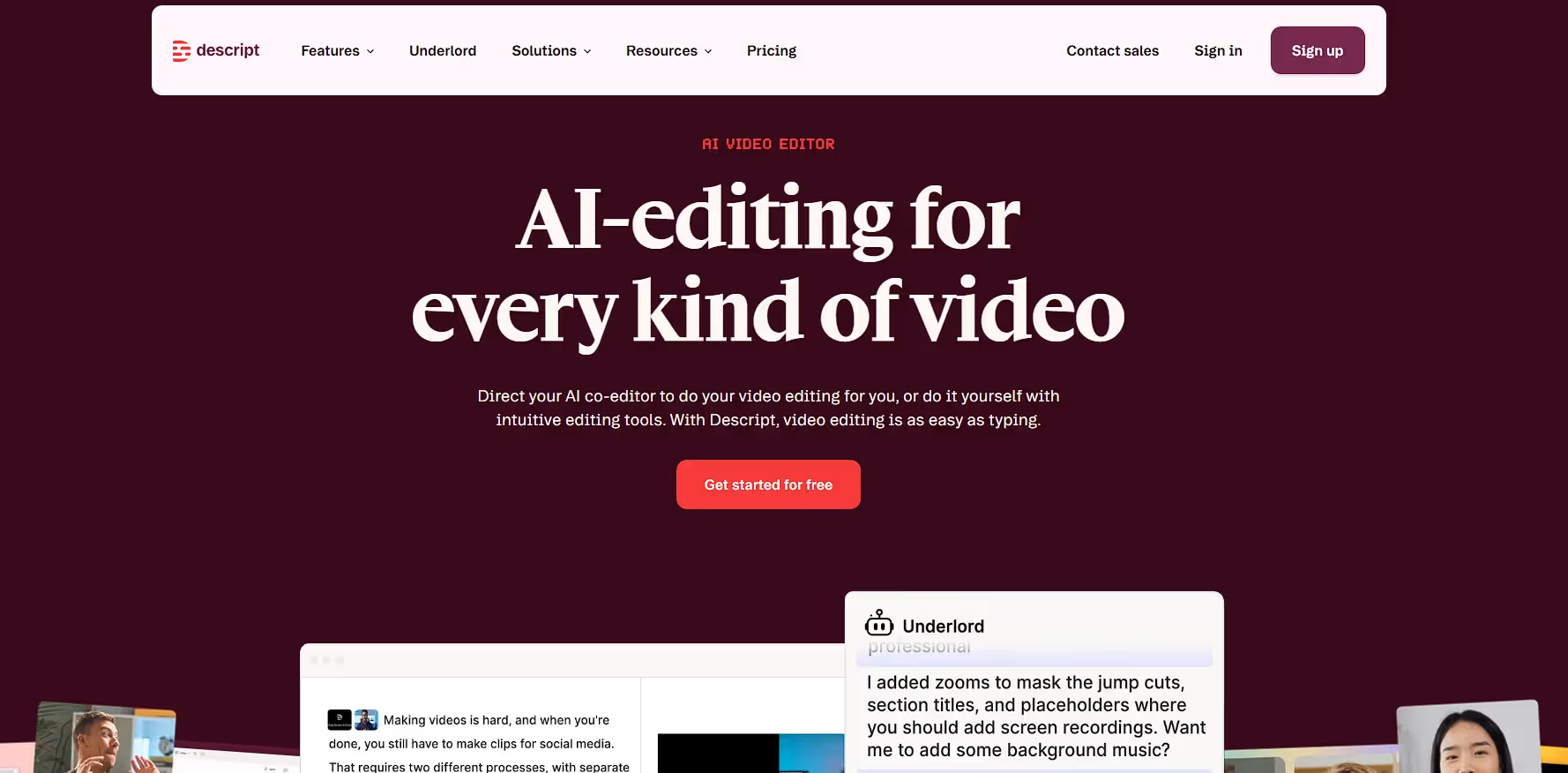
Descript lets you start a first cut by editing text. It transcribes your recording, and deleting words from the transcript cuts the video, with filler-word removal and Studio Sound for cleaner audio. Its Underlord assistant can go further, inspecting the project and carrying out multi-step edits.
Descript says Underlord reads your script, watches your video and decides what to do next, then takes feedback. It runs on Mac, Windows and the web, and its AI features spend monthly credits.
Pricing: The Free plan has 60 media minutes a month, 720p exports with a watermark and limited Underlord. Hobbyist is $16/month billed annually ($24 monthly); Creator is $24/month annually ($35 monthly) and adds 4K and full Underlord.
7. Adobe Firefly Quick Cut (Best for Adobe and Firefly Users)
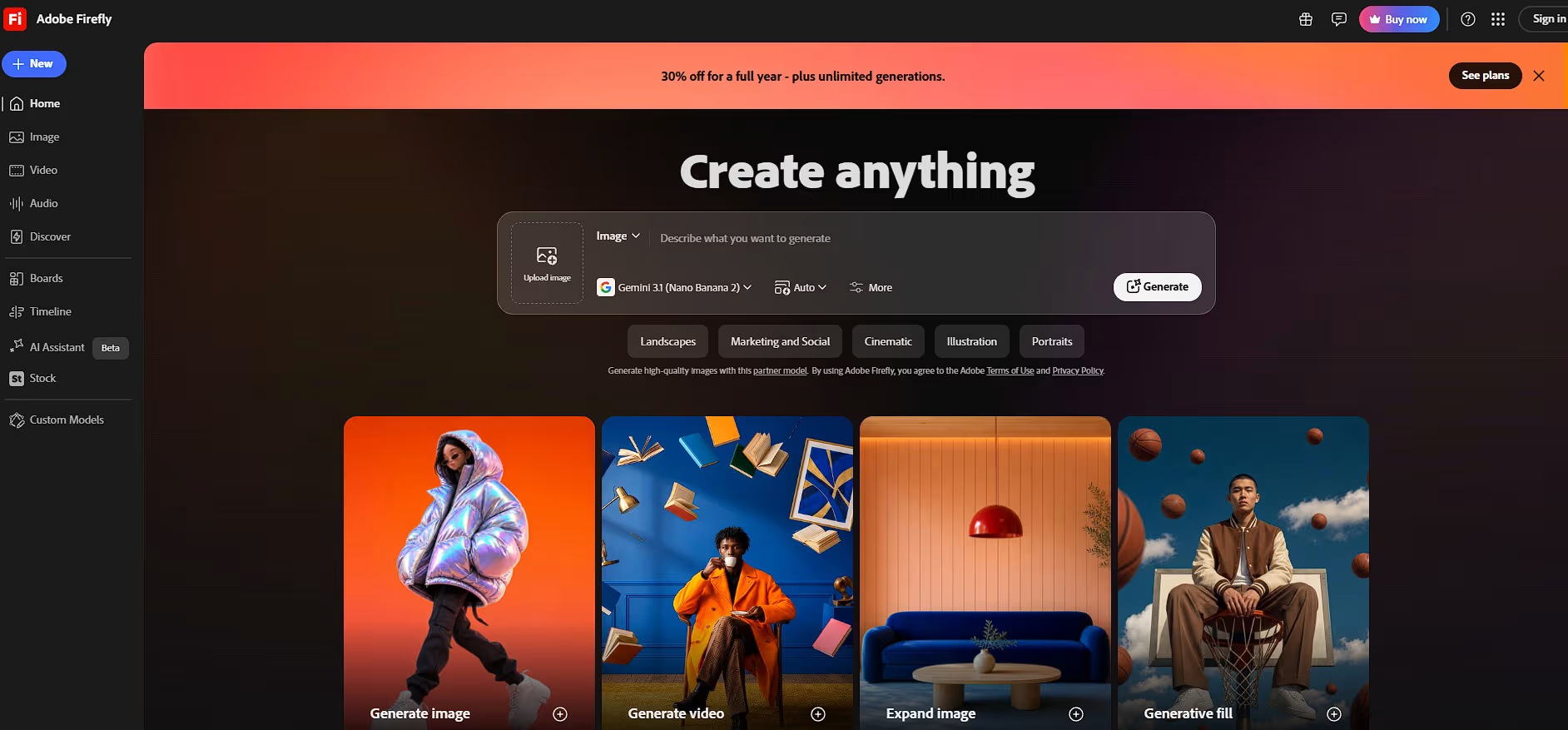
Quick Cut in the Firefly Video Editor is Adobe’s take on the first draft. Upload footage, or generate clips inside Firefly, and describe the video you want. It builds a first edit that follows a story, and you can add a shot list or script and set the aspect ratio, pacing or length.
Supporting footage can sit on a separate B-roll track, and you refine the result with regular editing controls. Quick Cut launched in beta in February 2026 inside Firefly’s browser-based editor.
Pricing: Included with Adobe Firefly plans, which are credit-based. Check Adobe’s Firefly pricing page for current tiers.
Which One Should You Use?
- Mixed footage and you want to stay in control? Invideo Editor.
- Interviews, podcasts or panels with several cameras? Eddie AI.
- Want to describe the video in chat and finish in Premiere, Final Cut or Resolve? Selects.
- Long talking-head recordings for YouTube? Gling.
- Working from a script, and already in Resolve? DaVinci Resolve.
- Prefer editing by deleting text? Descript.
- Already working in Adobe Firefly? Quick Cut.
The Bottom Line
The first cut is where AI saves the most time, because it replaces hours of watching and sorting. The tools differ in what they ask you for, a prompt, a script or a transcript, and in where the draft ends up: on a timeline you keep editing, or as a project you finish in another editor. Pick the one that matches the footage you actually have, and review the draft before you build on it.
Frequently Asked Questions
What is a first cut in video editing?
A first cut is the first complete draft of a video: the right clips in order, with obvious mistakes, silences and filler removed. It isn’t polished. You refine pacing, color, sound and graphics afterward.
Can AI build a first cut without a script?
Yes. Eddie AI, Selects and Invideo Editor work from a description of the video you want, and Gling and Descript work from the transcript. Resolve’s IntelliScript and Adobe’s shot-list option are the ones that use a script.
Which of these tools handle multicam footage?
Eddie AI syncs up to six cameras, Selects and Invideo Editor sync multicam footage and switch between speakers, and Resolve’s Multicam SmartSwitch cuts between angles based on who is speaking.
Are there free ways to try this?
Yes. Eddie AI gives new accounts 1,000 free credits, Gling and Descript have free plans, Selects has a free plan, Resolve has a free version, and the manual timeline in Invideo Editor is free to use, though free exports carry a watermark. Check which features each free tier includes.
Will the first cut be ready to publish?
Rarely. Treat it as a draft that saves you the sorting. The better tools keep the result editable or hand it off to Premiere Pro, Final Cut Pro or DaVinci Resolve so you can finish it.